Breadcrumb: Getting Started
The web app and the mobile app
What you do in the ABACare web app and in the mobile app, which one your role uses, and how they work together.
ABACare comes as a web app you open in a browser and a mobile app for iPhone and Android phones. Both use the same account and the same data, so a session an aide submits on the phone is ready for review on the web straight away. This page helps you choose the right app for your work.
The web app
The web app runs in any modern browser on a computer or tablet. It covers everything ABACare does, and it is where org owners and BCBAs do most of their work: plans, schedules, reviews, reports, the team and billing.
- Open it from the ABACare website with Login.
- Your role's menu runs across the top. Your name, your notifications and Logout are on the right.
- Help, at the bottom of every page, opens the form to report a problem or suggest an improvement.
The mobile app
Install ABACare from the App Store or Google Play. Aides, parents, BCBAs and org owners can all sign in.
- Aides run their day from it. The home screen shows My Sessions and My Learners. From there you start a session, record data for each target and submit it.
- Parents start from My Children to practice targets at home, log behaviors and look back at what they logged. A Daily Reminder can nudge you to practice.
- BCBAs and org owners use it to follow and run supervisions.
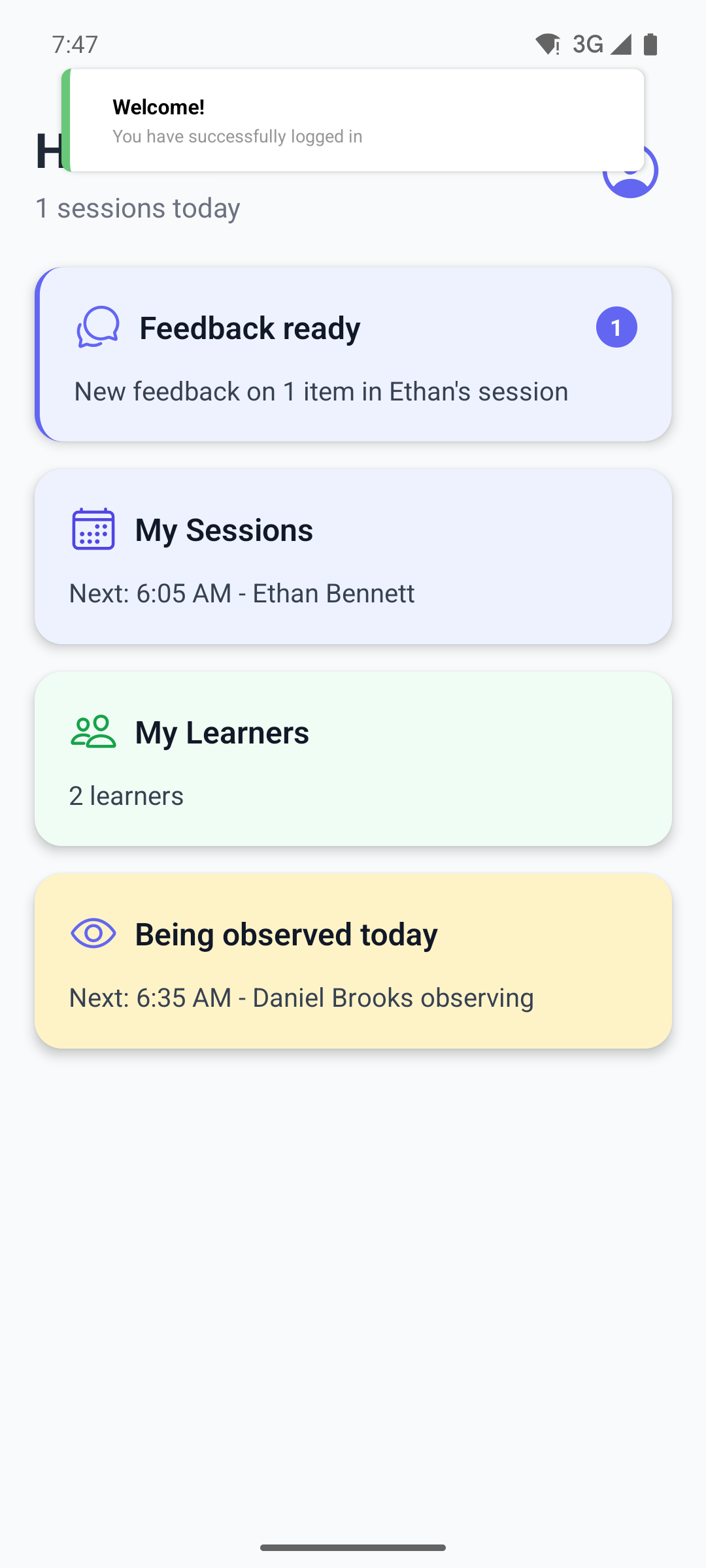
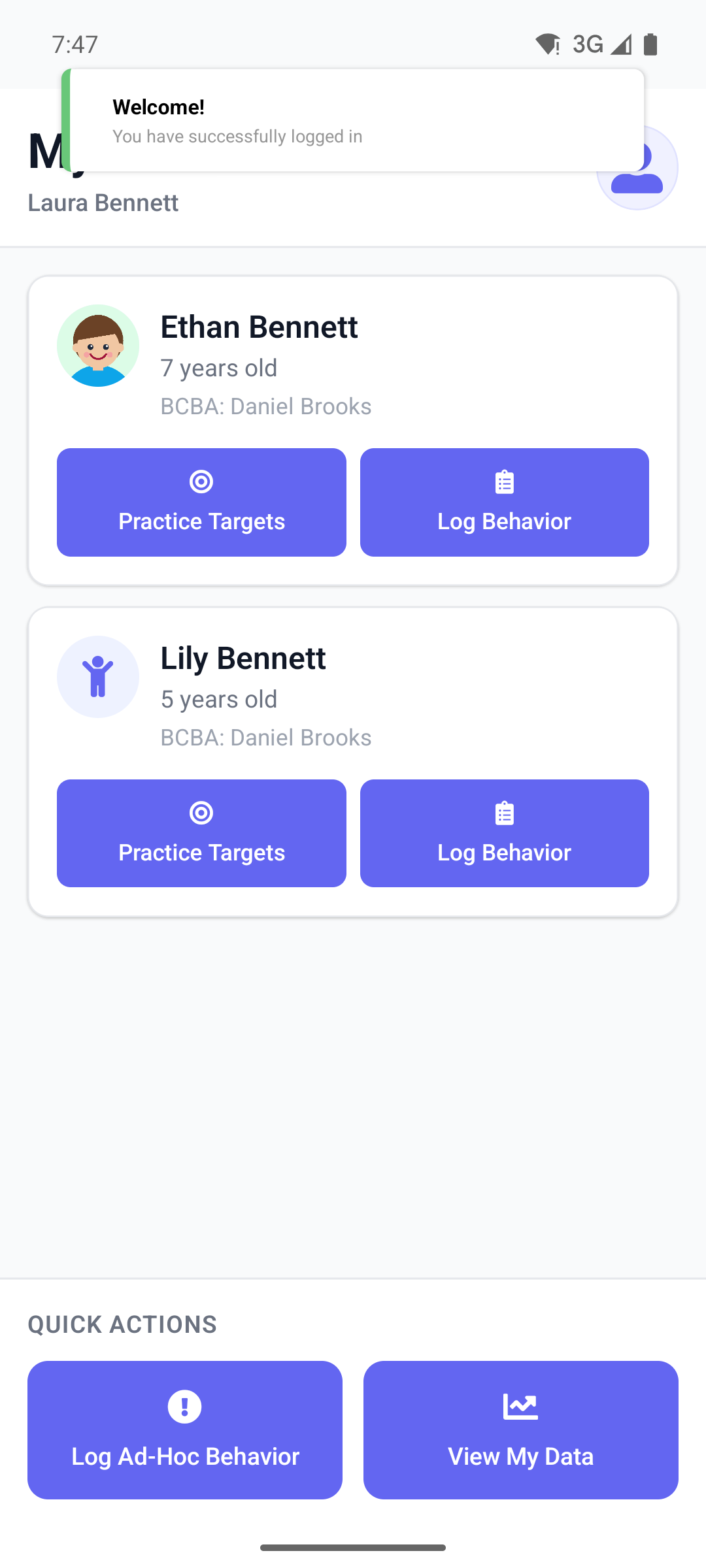
The mobile app works online. If you open it with no internet connection, it signs you out, and you sign in again once you are back online.
Which app for which role
- Org owner and BCBA: the web app for almost everything, the mobile app for supervisions.
- Aide: the mobile app for sessions, the web app to set your availability and see your schedule.
- Parent: either app. Use the web app to send feedback or report a problem.
Some tasks happen only in the web app, whatever your role: accepting an invitation and resetting a forgotten password.
Language
The web sign-in page has a language selector at the top right. Before you sign in, the mobile app uses the language you last used, or your phone's language. Once you sign in, both apps switch to your clinic's language.